As a Micaforce client, you can always check and update the ticket status for yourself and your entire organization. Steps are as following:
- Open a web browser and go to http://support.micaforce.com
- If above link does not automatically redirect, you can go to https://micaforce.freshdesk.com instead.
- Log in with your user credential. The user name should be your business email address. Password was specified by you when the account was created.
- Click "Tickets". See screenshot below:
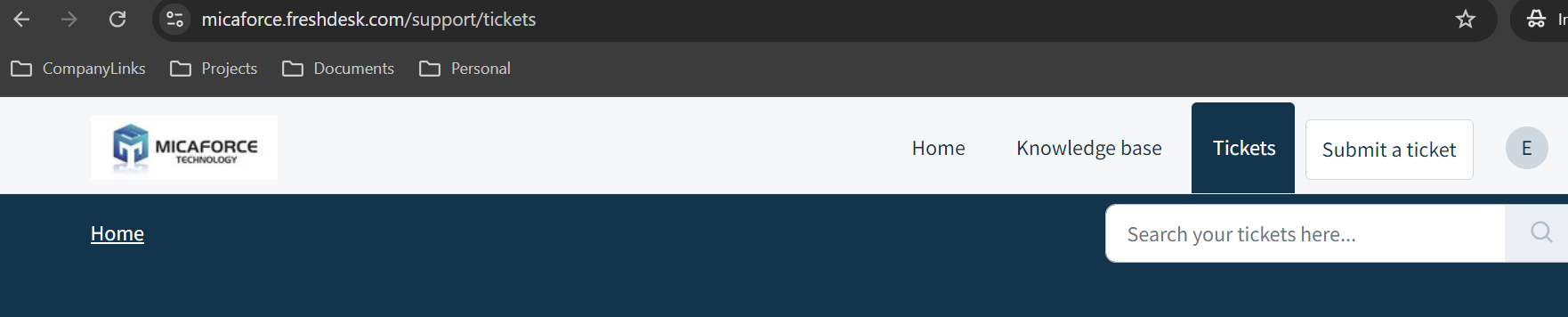
- You are now able to see your own tickets.
Was this article helpful?
That’s Great!
Thank you for your feedback
Sorry! We couldn't be helpful
Thank you for your feedback
Feedback sent
We appreciate your effort and will try to fix the article